
Overhead and process cranes rarely control a single hydraulic function from one stick. A multi-axis industrial joystick crane layout maps hoist, trolley, gantry, and auxiliaries across one or two controllers with detent gates, friction locks, and grip-mounted rockers. Trunsin supplies AT16, AT20 crane control joystick, AT30/AT31 master controllers, and AT11 for integrated multi-axis programs.
Browse the industrial joystick range or configure AT16 online.
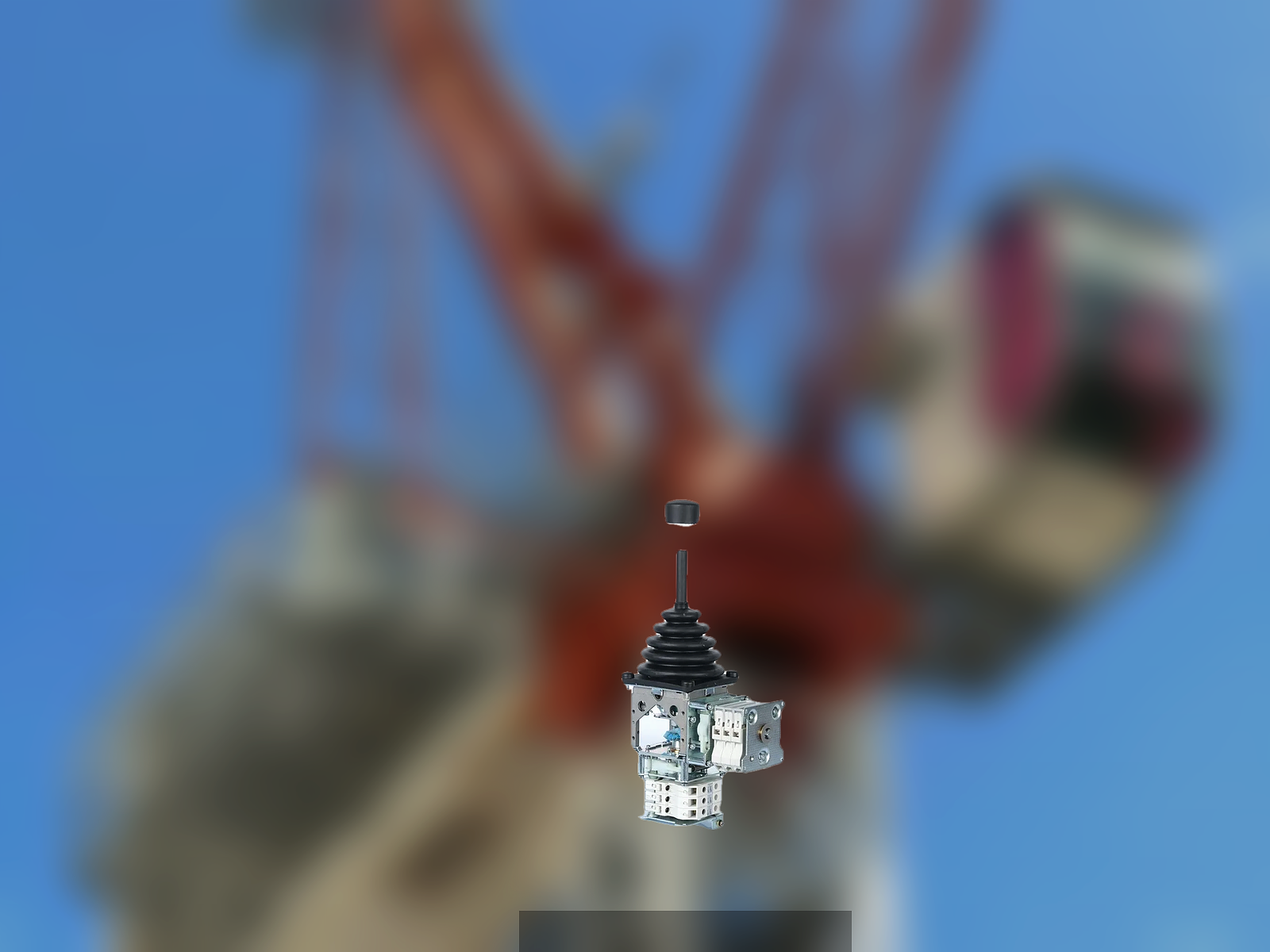
Master, slave, and single-stick layouts
| Layout | Typical crane type | Trunsin direction |
|---|---|---|
| Single multi-axis stick | Process crane, compact cabin | AT16, AT11 |
| Dual stick (left/right) | Overhead pulpit, STS planning | Matched AT16 or AT20 pairs |
| Master controller + grips | Tower crane, large gantry | AT30, AT31 with grip catalog |
Overhead crane joystick ergonomics fail when stick height ignores seat adjustment — crane cabins often fix seat height but vary operator reach. Trunsin requests cabin section drawings before grip catalog finalization. Coordinate stick mount height with crane cabin operator seat specification when the pulpit and joysticks ship together.
Gate and movement types for crane duty
- Friction lock (F) — operator holds hoist or slew position without continuous hand pressure — common on AT16 configurations
- Spring return (Z) — functions that must neutral when released — travel or emergency axes
- Cross gate — isolates orthogonal axes to prevent diagonal commands on sensitive loads
- Detent positions — optional on master controllers for indexed speed steps
Mechanical life ratings matter: AT16 catalogs up to 5 M cycles with IP65 protection — specify expected daily cycles when comparing quotes.
Integration with crane ECU and safety
Crane programs layer:
- Stick mechanical configuration — axes, gates, grips
- Analog or CAN output — voltage scaling or CANopen PDO
- Safety PLC — deadman, enable switches, load moment interlocks external to the stick
Trunsin documents stick outputs and safety switch wiring; crane safety architecture remains OEM scope. Provide interlock diagrams at RFQ so grip safety switches align with expected series paths.
How we validate crane joystick builds
- Cabin drawing gate — stick mount height, knee clearance, and rotation arc signed
- Grip catalog selection — AT16 ergonomic vs button grips chosen against function list
- First article force test — handle effort within catalog band across full gate travel
- Pair matching (dual layouts) — axis color coding and connector pinout symmetry verified
- Video verification — operator reach recording for remote acceptance when procurement cannot visit the cabin
Frequently asked questions
AT16 vs AT20 for overhead cranes?
AT16 suits compact multi-axis sticks in pulpit armrests. AT20 targets heavy-duty crane control programs with larger mechanical envelopes — share cabin photos for model recommendation.
Can we mix CANbus and analog sticks in one crane pulpit?
Physically yes; logically only if the ECU architecture supports both — uncommon on new builds, more common on partial retrofits.
How do master controllers differ from joysticks?
AT30/AT31 master platforms integrate multiple grip stations and switch banks — used when a single stick cannot map the full function set.
What cabin drawings does Trunsin need before AT16 sign-off?
Plan and elevation with seat height fixed, stick mount coordinates, knee clearance arc, and emergency egress paths — the same package used for integrated operator seat programs.
Related resources
- Industrial joystick hub
- AT16 multi-axis joystick
- Configure AT16 online
- Control console platforms for integrated pulpit builds
Start crane joystick specification
- Send cabin layout and function list
- Configure AT16 or request AT20/AT30 review
- Contact sales@trunsin.com for engineering quotation